Less window. More rhythm.
Adjust background and spectrum opacity independently to blend the visuals into your editor, browser, and design tools.
 PrismBeat简体中文 ↗
PRISMBEAT / MADE FOR MAC
DESKTOP, REIMAGINED. / 01
Code. Design. Read.
Stay in your flow. See the rhythm in it.
Turn an idea into your next creation.
Make space for a little inspiration.
Keep creating. Let the music move.
01 / IN YOUR FLOW
Music doesn’t need a separate stage. Layer PrismBeat over your everyday desktop and keep clicking, typing, and creating.
Adjust background and spectrum opacity independently to blend the visuals into your editor, browser, and design tools.
Lock the window to float above your work, keeping the changing spectrum in sight as you switch tasks.
In locked mode, clicks pass through the visualizer. Unlock from the app’s Action menu or with its shortcut to make adjustments.
02 / FIND YOUR FREQUENCY
Code, read, design, write. Layer a transparent spectrum over familiar workspaces and see your music while your work carries on.
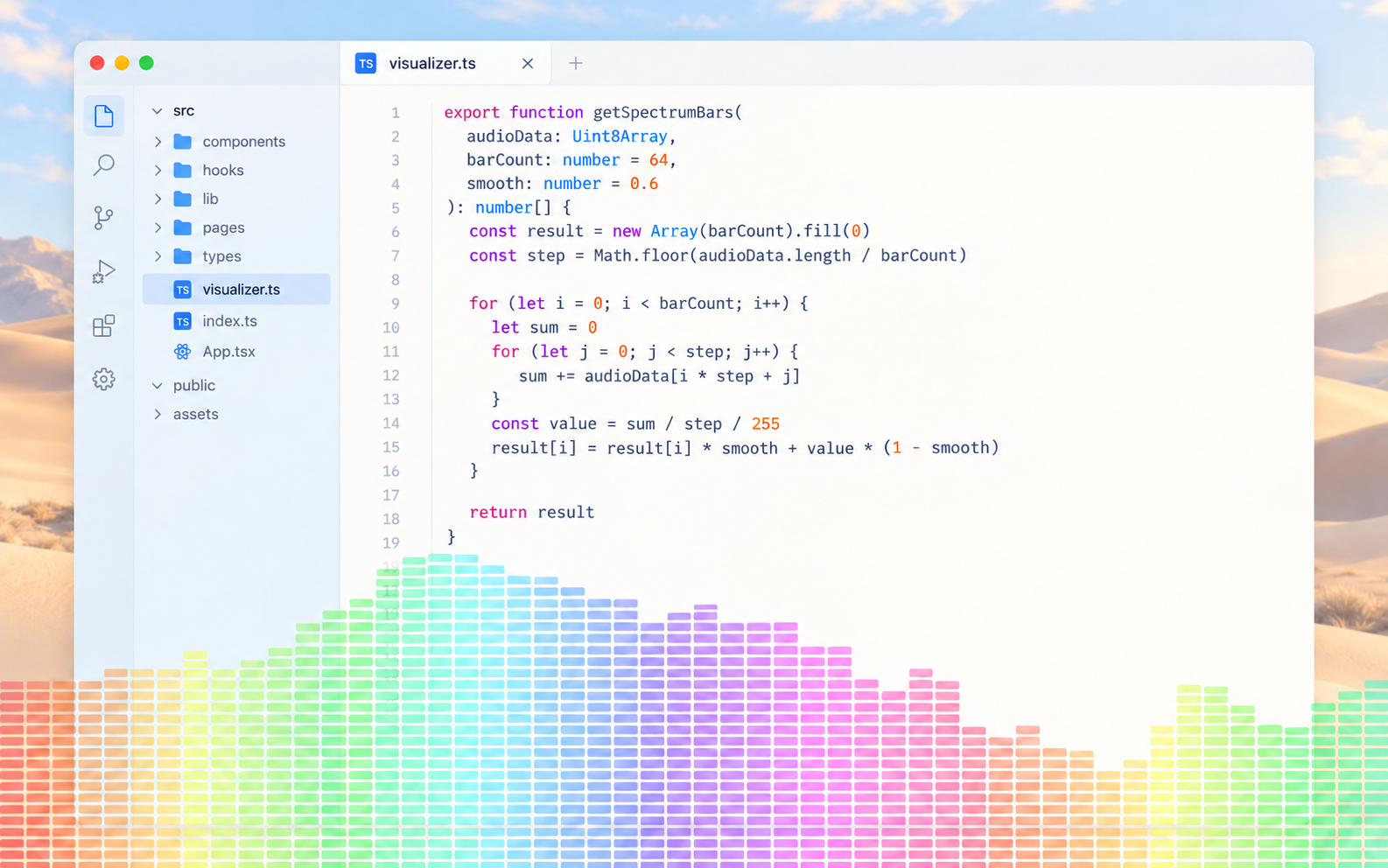
Keep a vivid spectrum along the bottom of your editor, with room for your ideas above.
View original spectrum screenshot ↗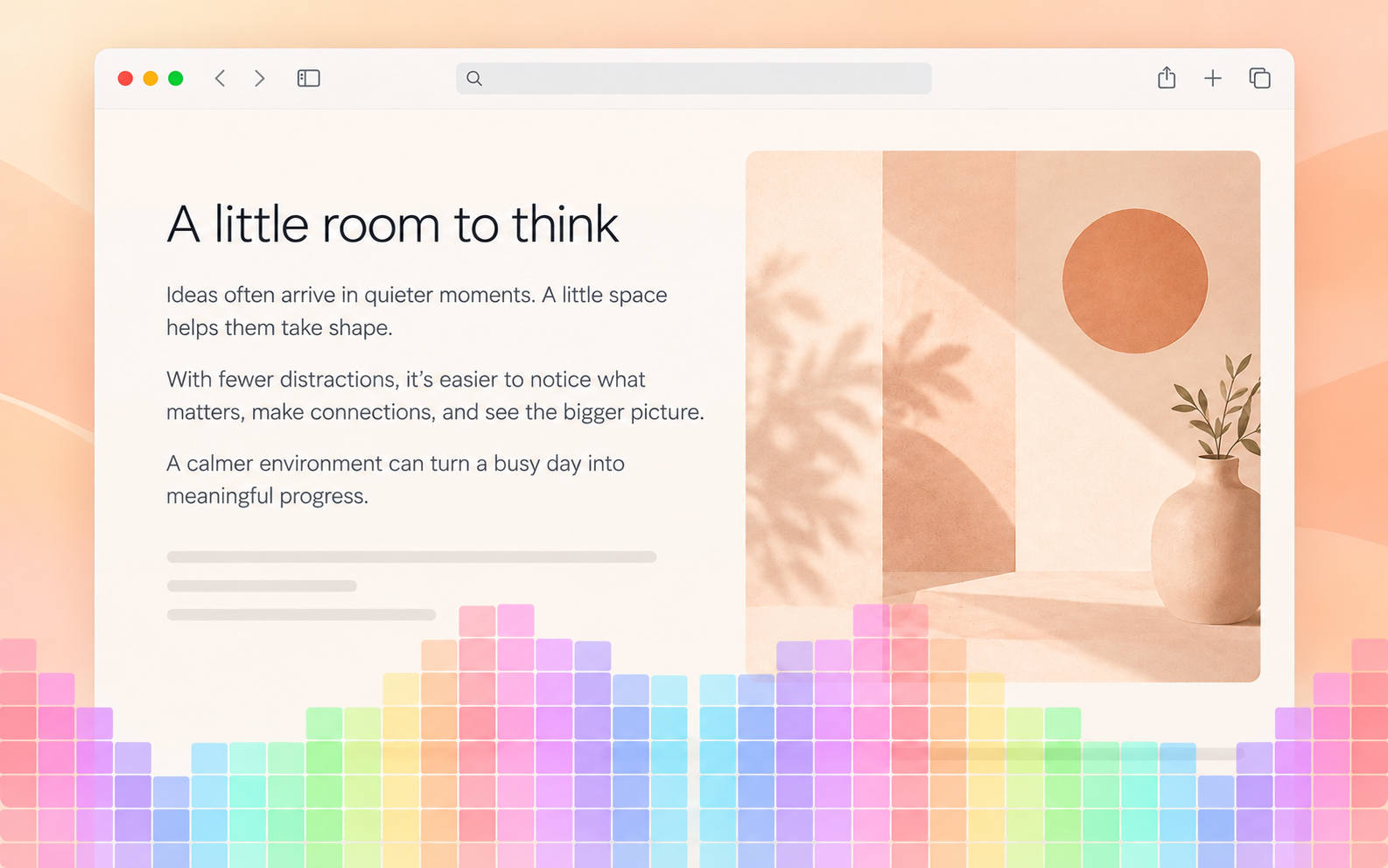
A little rhythm over your reading window, accompanying a moment of focus.
View original spectrum screenshot ↗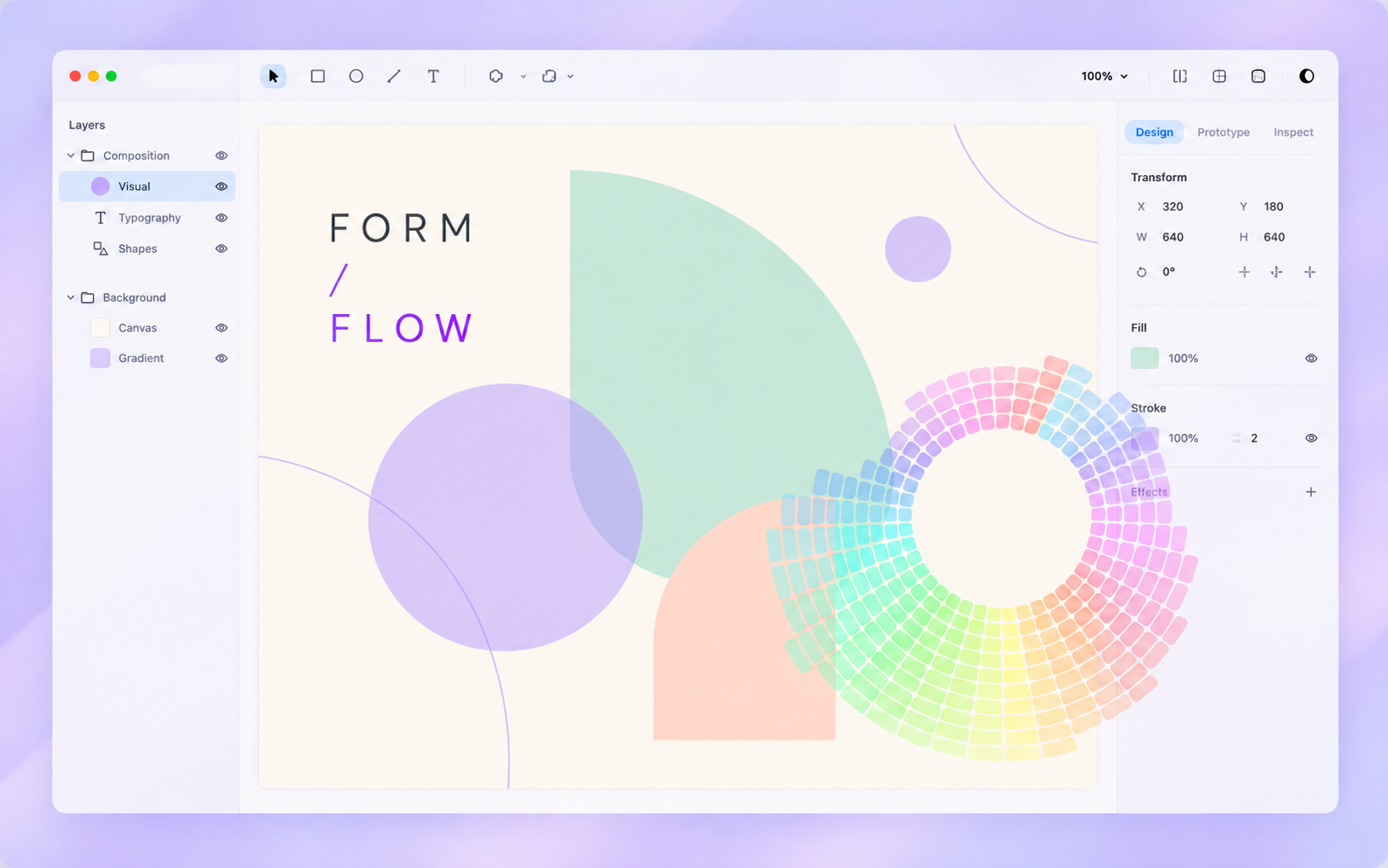
A ring of color in the corner of your canvas. Your design and your music, in tune.
View original spectrum screenshot ↗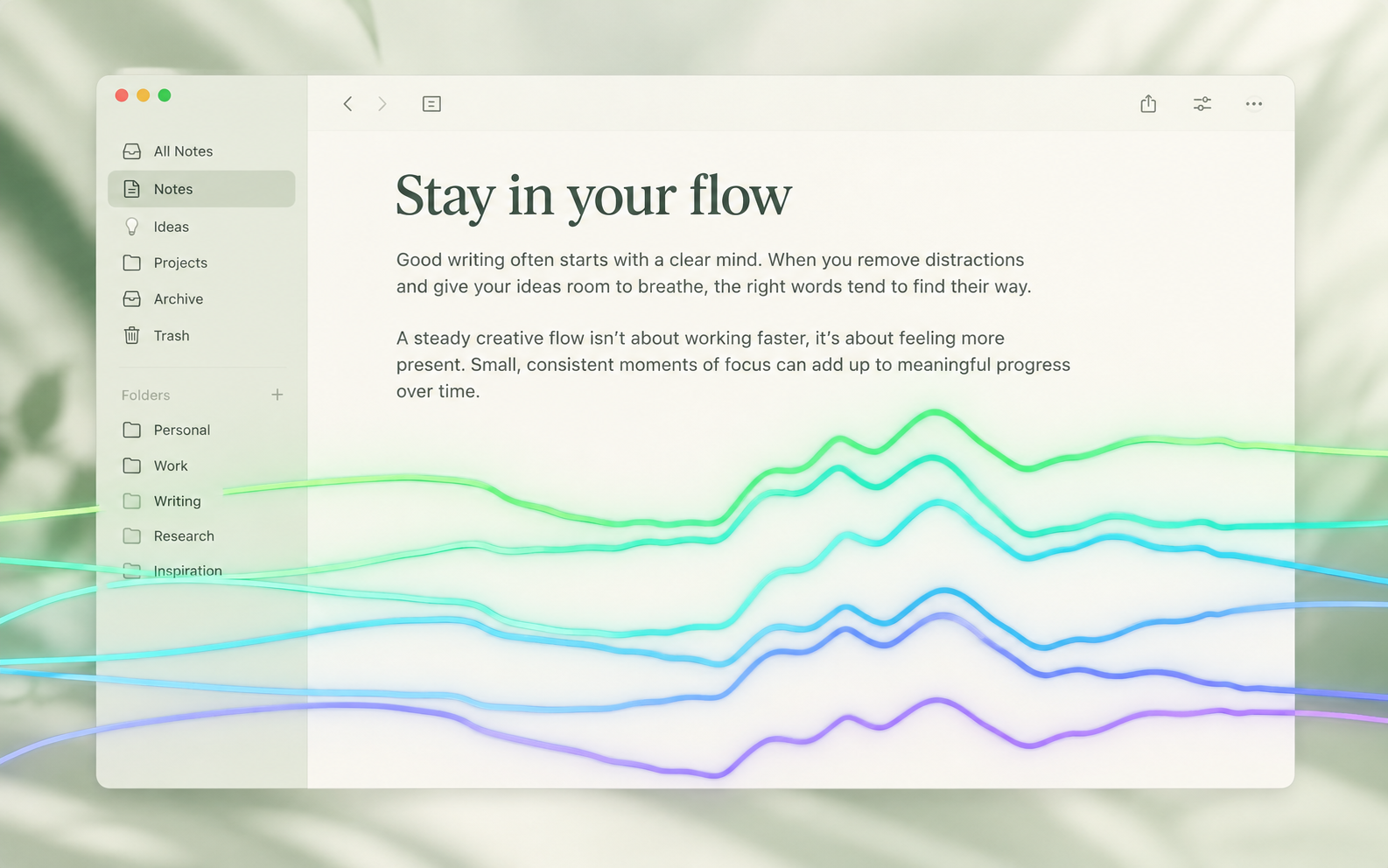
Airy waves across your notes add a little atmosphere to everyday writing.
View original spectrum screenshot ↗Scenes are composites based on PrismBeat visuals, illustrating how a transparent overlay fits into everyday work.
MAKE IT YOURS / SETTINGS
Adjust background and spectrum opacity independently. Make it vivid, or let it feel like a trace of light. Rich settings help each visual style fit the way you work.
Independent background and spectrum controls, from 0–100% opacity.
Turn color flow on or off, and adjust its speed and direction.
Choose the frequency range or use a built-in frequency preset.
Fine-tune grid count and spacing, mirror center gap, radial rotation, and aurora line width and glow, depending on the style.
Your content stays in sight. The music flows through.
Your content stays in sight. The music flows through.
Slide left for a lighter overlay, right for a bolder one. This is a web preview; adjust the real effect in the app’s preferences.
03 / LOCAL BY DESIGN
Audio is analyzed live in local memory. No recordings. No audio uploads. No accounts, ads, or third-party analytics SDKs.
Read the privacy policy ↗04 / PRESS PLAY
Play audio in an app you already use.
Open PrismBeat, press ⌘R to start capture, and allow system audio recording.
Press ⌘⇧L to lock the window, enable floating and click-through, and carry on creating.
PRISMBEAT / DOWNLOAD
PrismBeat 1.0.0 · macOS 15.0+ · Universal for Intel and Apple Silicon. Notarized by Apple.
SHA-256 checksum ↗